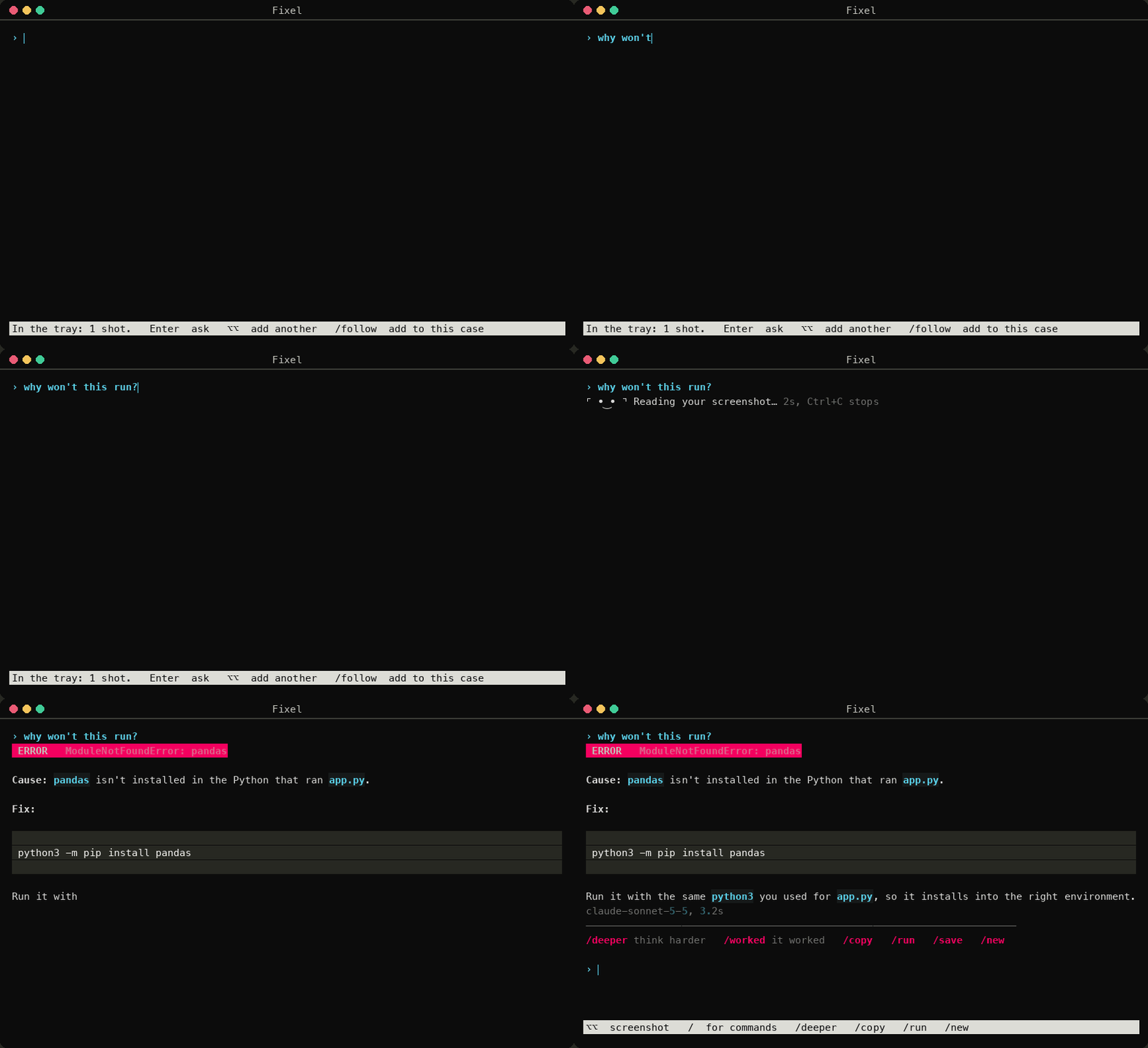
How it works
- Press Right Option twiceDouble-tap Right Option, in any app.
- Drag over itAn error, a math question, an email or a webpage.
- Read the answerIt streams into your terminal, shaped to fit the problem.
An error gets a command you can run. A math problem gets numbered steps. A webpage can come back as an HTML file that recreates it. Fixel runs on your own Claude, Gemini or OpenAI key, kept in the macOS Keychain. There's no account and no server in between.
Things you can type
- /worked
- Tell Fixel a fix worked. When the same error comes back, it reaches for that fix first.
- /learn
- Hints and guiding questions instead of answers.
/answershows the full solution when you want it. - /ide
- A small IDE for Python, Java, JavaScript and C++ that opens in its own Terminal window. Send your code back to Fixel to ask about it.
- /canvas
- What's due on Canvas, with a priority, an hours estimate, a start-by date and a tip for each assignment. It can keep a Notion database in sync.
- /cases
- Search everything you've asked before, with the fixes that worked listed first.
Install
git clone https://github.com/Kiddo4993/fixel.git && cd fixel
python3 -m venv .venv && .venv/bin/pip install -e .
.venv/bin/fixel setup
Needs macOS and Python 3.11 or newer. The first screenshot asks for Screen Recording permission.
Use it from Claude Code
/plugin install fixel --marketplace Kiddo4993/fixel
Claude Code can then ask you to drag over part of your screen, check what homework is due, and search your past fixes. It always tells you before it takes a screenshot.